Tears of the Kingdom Interactive Map
Loading the terrain map… slow connections can take a few seconds.
Some terrain tiles failed to load.
What is on the map?
| On the map | Points | Terrain | Guide |
|---|---|---|---|
| Shrines | 152 | Surface, Sky | Open |
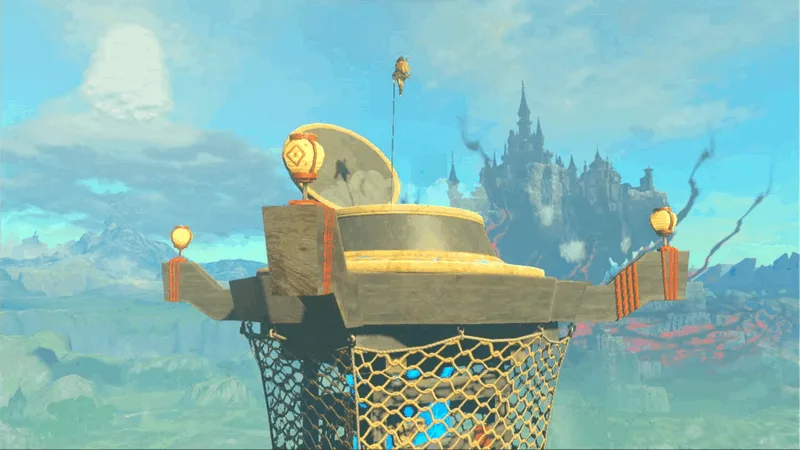
| Skyview Towers | 15 | Surface | Open |
| Lightroots | 120 | Depths | Open |
| Caves | 147 | Surface | Open |
| Wells | 58 | Surface | Open |
| Chasms | 36 | Surface | Open |
| Stables | 16 | Surface | Open |
| Great Fairy Fountains | 4 | Surface | Open |
| Device Dispensers | 30 | Surface, Sky, Depths | Open |
| Crystal Refineries and Forge Constructs | 13 | Surface, Sky, Depths | Open |
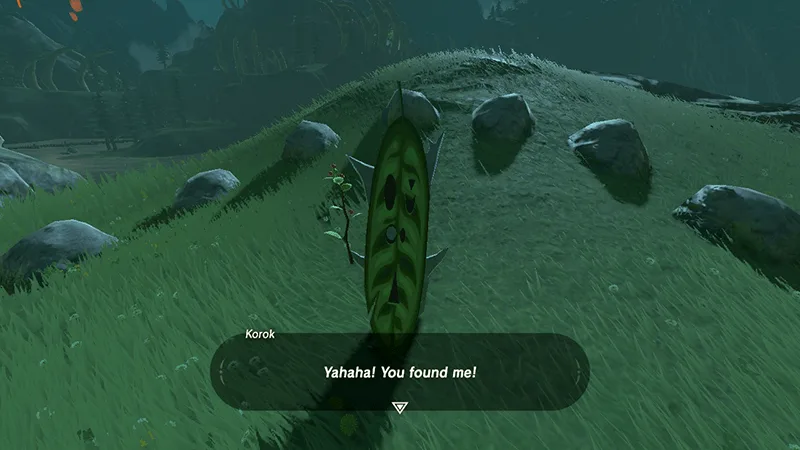
| Korok Seeds | 900 | Surface, Sky | Open |
| Bubbulfrogs | 147 | Surface | Open |
| Dragon’s Tears | 12 | Surface | Open |
| Old Maps and their treasure | 62 | Sky, Depths | Open |
| Sage’s Wills | 20 | Sky | Open |
| Schema Stones | 12 | Surface, Depths | Open |
| Yiga Schematics | 34 | Depths | Open |
| Hinox | 69 | Surface, Depths | Open |
| Stone Talus | 87 | Surface, Depths | Open |
| Frox | 40 | Depths | Open |
| Flux Constructs | 35 | Sky, Depths | Open |
| Gleeoks | 14 | Surface, Sky, Depths | Open |
| Lynels | 34 | Surface, Depths | Open |
| Molduga | 4 | Surface | Open |
Caves and wells are marked at an entrance. A Bubbulfrog is marked at its cave. A shrine inside a cave is marked where the shrine is, not where the cave opens.
How do I use the map?
Tick the kinds you want in the list; on a phone, the Show button opens the list. Use Surface, Sky and Depths at the top right to change terrain. Click a point to see its name, the nearest landmark and its X, Y coordinates, which match the readout on the in-game map. The Guide link opens the page about that point: a shrine opens its own walkthrough, everything else opens its list page.
The search box looks through names, landmarks and kinds. If the match is on another terrain, the map switches to it.
Is progress saved?
Tick Done on a point and it turns green; Hide ticked removes finished points from view. Ticks stay in this browser and need no account. They use the same saved lists as the checklists on the guide pages, so the cave you tick here is already ticked on the cave page.