

TotK Abilities: How to Get and Use Ultrahand, Ascend and Recall
Where Tears of the Kingdom's Ultrahand, Ascend and Recall are unlocked on the Great Sky Island, how to control them, their limits, and the tricks worth knowing.
Link’s abilities in Tears of the Kingdom all come from the right arm Rauru gave him, and Rauru introduces each one the same way: “This is the Ultrahand ability.” The Great Sky Island hands you four of them, Ultrahand, Fuse, Ascend and Recall, and a fifth, Autobuild, waits in the Depths. This page covers where Ultrahand, Ascend and Recall come from, how to use them, their limits and the tricks worth knowing. Fuse and Autobuild have their own pages.
Where do you get each ability?
| Ability | Where | From | Guide |
|---|---|---|---|
| Ultrahand | Ukouh Shrine | Rauru | This page |
| Fuse | In-isa Shrine | Rauru | Fuse guide |
| Ascend | Gutanbac Shrine | Rauru | This page |
| Recall | The altar in the Temple of Time | A vision of Princess Zelda | This page |
The first three are handed over at the start of their shrines, where Rauru tells you to “Use Ultrahand, and receive the blessing from this shrine”. Each shrine is a tutorial for its ability.
Recall is different. After the first three shrines, return to the Temple of Time and approach the altar: in a flash of light a vision of Princess Zelda appears, takes your hand and gives you Recall. Rauru then says you are still too weak to open the door at the back and need one more Light of Blessing from the island’s final shrine. That is Nachoyah Shrine in the Room of Awakening, the Recall trial. Offer the four Lights of Blessing at the Temple of Time’s Goddess Statue to carry on with “The Closed Door”.
How do you use Ultrahand?
The item text: “Grab and move objects, rotate them, and stick them to other objects.”
- Hold L to open the ability menu and pick Ultrahand. Anything you can grab glows orange.
- Aim at an object and press A to grab it. Up and down on the D-pad push it away or pull it closer; move the camera to carry it around.
- Hold R and use the D-pad to rotate it vertically or horizontally.
- Bring it next to another object. When green glue appears between them, press A to stick them together.
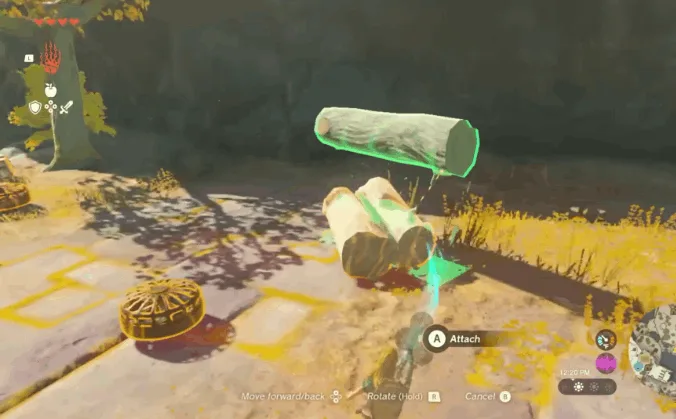
Every Ultrahand button, including resetting the rotation with ZL, is listed on the controls page. To pull a piece off, wiggle the stick back and forth while holding the glued object. The game’s tip: “You can undo Ultrahand’s adhesive by moving [the stick] back and forth while holding the glued-together object.”
What are Ultrahand’s limits?
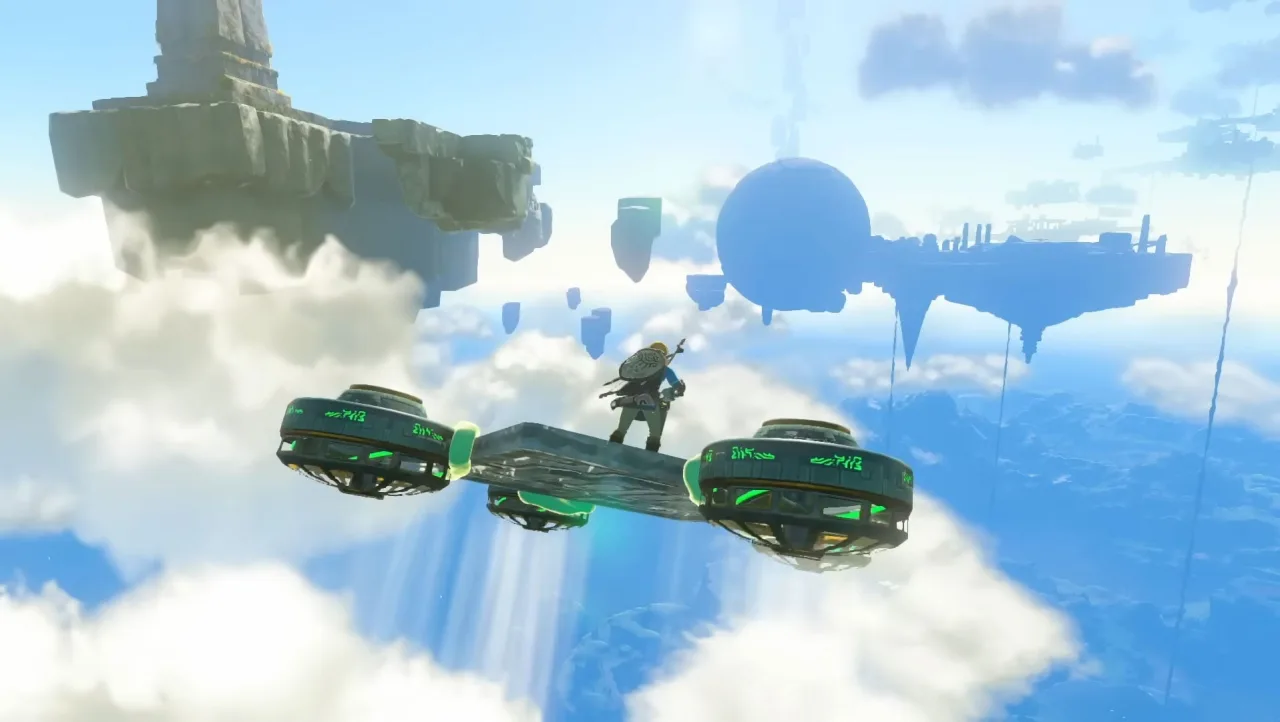
- 21 objects per build. Try to stick on one more and the game says “You can’t attach any more.” Plan big vehicles around that.
- Zonai devices need an Energy Cell. Devices glued together act as one: activate one and every device in the build switches on. Where to get devices and batteries: Zonai devices.
Which Ultrahand tricks are worth knowing?
- Build first, then carry. Glued objects are grabbed as one piece, so you can put a long bridge together on the ground and move it into place.
- You don’t need to remember builds. Everything you make with Ultrahand is recorded by Autobuild, ready to re-create later: see Autobuild.
How do you use Ascend?
The item text: “Move upward through solid material and emerge on top of it.”
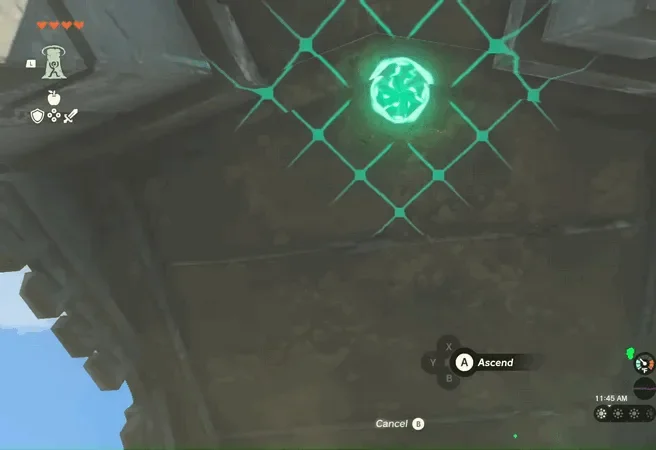
- Pick Ascend from the ability menu. The camera turns to look straight up.
- If the surface above is close enough and flat enough, the target turns green; if not, it won’t.
- Press A and Link rises through it. Time stands still while he does.
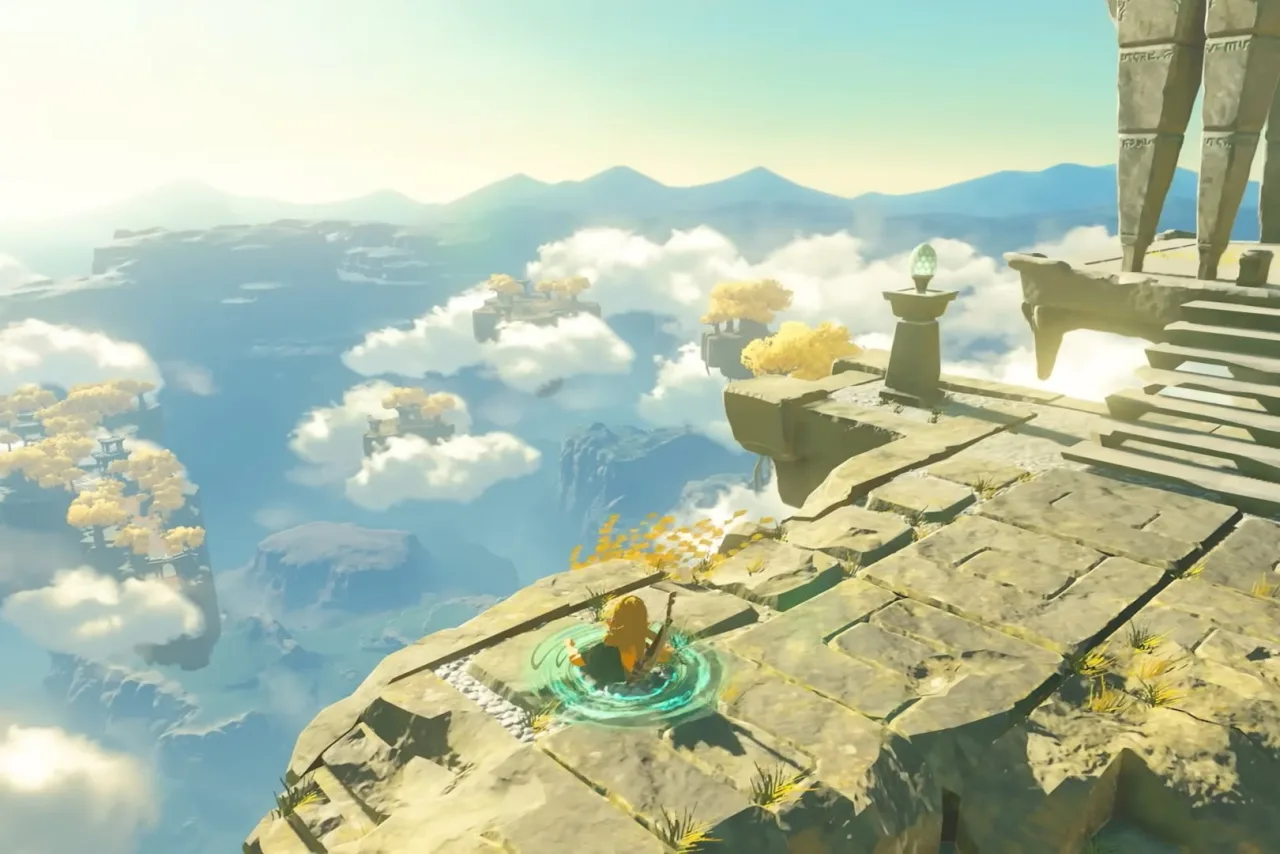
- Once his head is through, look around first, then press A to climb out or B to drop back to where you started. If you wait about 30 seconds, Link climbs out on his own.
What are Ascend’s limits and tricks?
- The ceiling can’t be too high. Overhangs, ledges and the underside of bridges often get you up a cliff in one go, without spending stamina on a climb.
- Great in caves and buildings. Find a low ceiling in a cave and you can usually come out on the ground above it.
- Go through a Stone Talus. Stand under a Stone Talus and Ascend to land right on its back, no climbing.
- Mostly no use in the Depths. In the Depths only a few specific spots let you Ascend straight to the surface; everywhere else the ceiling is far too high.
How do you use Recall?
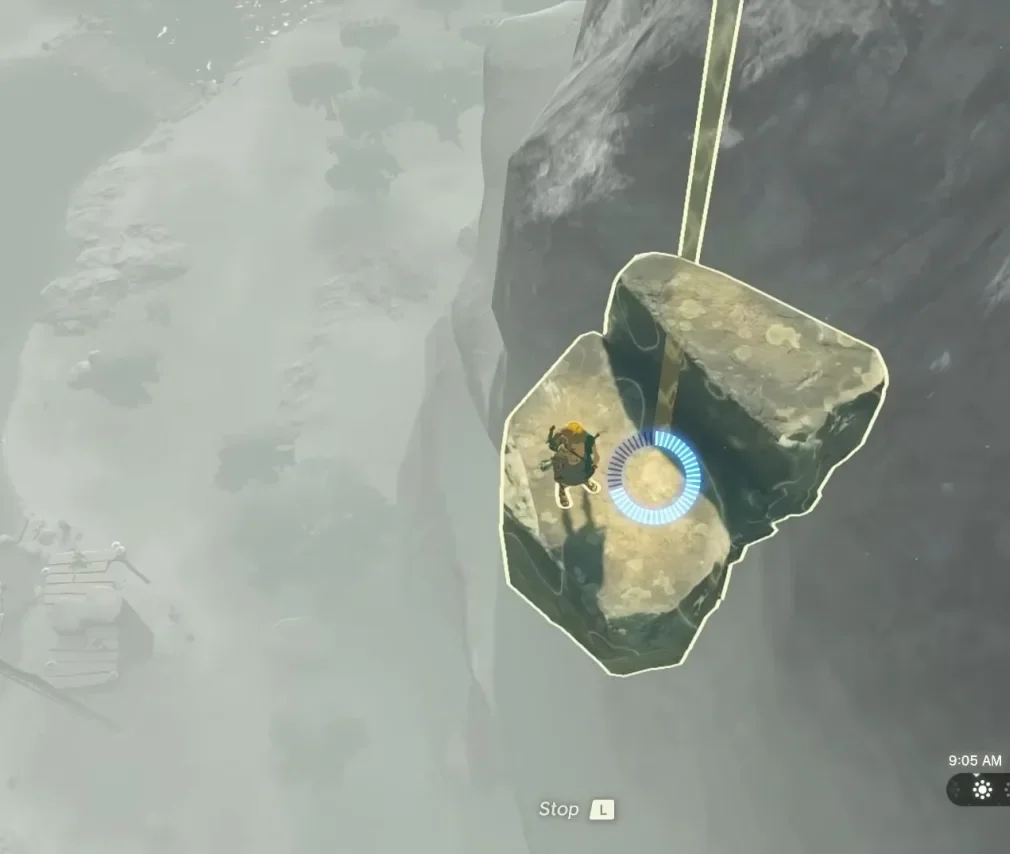
The item text: “Reverse an object’s movement until it goes back to where it was. You can stop the reverse movement at any time.”
- Pick Recall from the ability menu. Time freezes while you aim, so you can choose a target calmly.
- Aim at an object and press A. It starts to move backwards along the path it just took, and a blue countdown appears.
- Press L to stop it; the object carries on normally from where it is. It also stops by itself when the countdown runs out.
Recall has a time limit: movement from too long ago can’t be reversed. It only rewinds the object you pick, so enemies around it don’t move back with it.
Which Recall tricks are worth knowing?
- Ride falling rubble to the sky. Chunks of ruins that fell from the sky islands glow green on the ground. Stand on one and Recall it, and it carries you back up the way it fell, a common way to reach the sky early on.
- Send it back. Rocks or Spiked Iron Balls thrown or rolled at you can be Recalled straight back into the enemy who sent them.
- Make a lift. Raise a plank high with Ultrahand and let go. Once it lands, stand on it and Recall it, and it carries you back up to where you held it.
- Shrine gears and rafts. Moving contraptions can usually be rewound; Nachoyah Shrine is built around exactly that.
What about Fuse, Autobuild and Zonai devices?
- Fuse attaches one item to your equipped weapon or shield. The game’s tip: “The Fuse ability enables you to attach items not only to swords or arrows but also to shields.” How much each material adds: Fuse guide.
- Autobuild is Link’s fifth ability, found in the Central Mine in the Depths; it re-creates your Ultrahand builds in one go. See Autobuild.
- Zonai devices such as Fans, Rockets and Steering Sticks turn Ultrahand builds into vehicles. See Zonai devices.
Once you clear the regional temples, the sages join you as well: see Sage abilities.
Video walkthrough

FAQ
Which shrine gives you Recall?
How many objects can Ultrahand stick together?
Why can't I use Ascend?
Can you stop Recall halfway?
Related Articles
armor
TotK Archaic Armor Set: Tunic and Legwear on Great Sky Island
Where to find the Archaic Tunic and Archaic Legwear on Great Sky Island in Tears of the Kingdom, their defense, and why the Archaic armor set has only two pieces.
shrines
Gutanbac Shrine Location and Solution (TotK)
Where to find Gutanbac Shrine on the snowy side of the Great Sky Island, the cold-route there, The Ability to Rise solution and both chests.
shrines
In-isa Shrine Location and Solution (TotK)
Where to find In-isa Shrine on the Great Sky Island, the full solution to The Ability to Combine, both chests, and the Captain Construct fight.
Was this helpful?
Thanks for the feedback!